
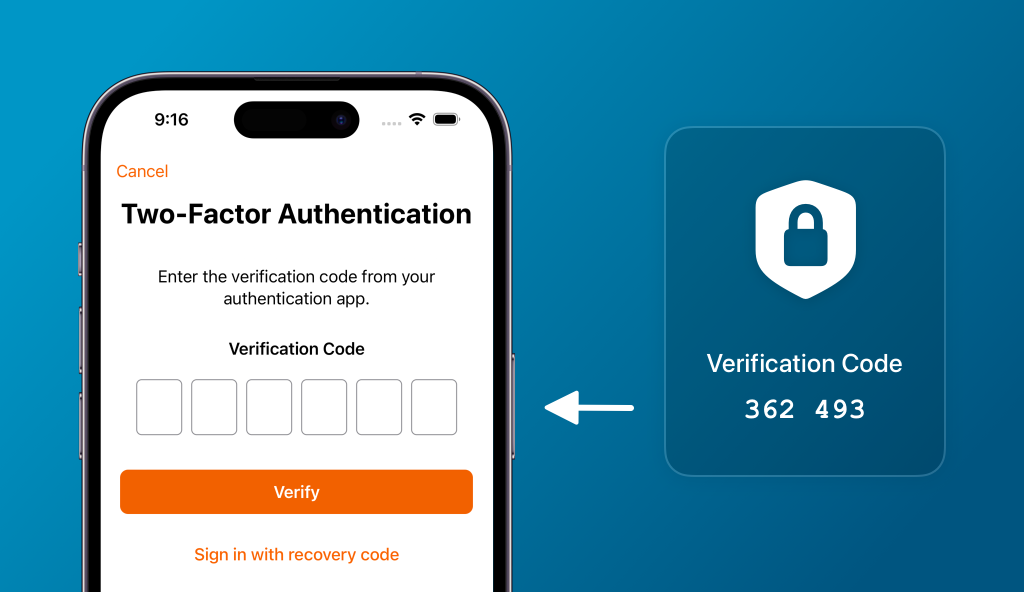
In today’s digital age, cyber threats are evolving faster than ever. Relying on passwords alone is no longer enough to protect your accounts. This is where Two-Factor Authentication (2FA) comes in—a simple yet powerful security measure that adds an extra layer of protection.
What is Two-Factor Authentication?
Two-Factor Authentication (2FA) is a security process that requires two forms of verification before granting access:
- Something you know – your password.
- Something you have – a unique code sent to your phone or generated by an authentication app.
This means even if hackers steal your password, they still need the second factor to access your account.
Why You Should Enable 2FA
Protect Against Cyber Attacks – Passwords can be guessed, stolen, or leaked in data breaches. 2FA makes it significantly harder for attackers to gain access.
Secure Your Sensitive Data – whether it’s financial information, business data, or personal details, 2FA helps keep your information safe from unauthorized access.
Prevent Identity Theft – adding an extra layer of security reduces the risk of hackers impersonating you online.
Build Trust and Compliance – Many industries require strong authentication for regulatory compliance. Using 2FA shows customers and partners that you take security seriously.
Types of Two-Factor Authentication
- SMS or Email Codes – A one-time code sent to your device.
- Authenticator Apps – Apps like Google Authenticator or Authy generate secure codes.
- Hardware Tokens – Physical devices that provide authentication codes.
How to Enable 2FA
Check out our guide: How to Enable Two-Factor Authentication on Your Accounts for step-by-step instructions on popular platforms like Google, Facebook, and Microsoft.